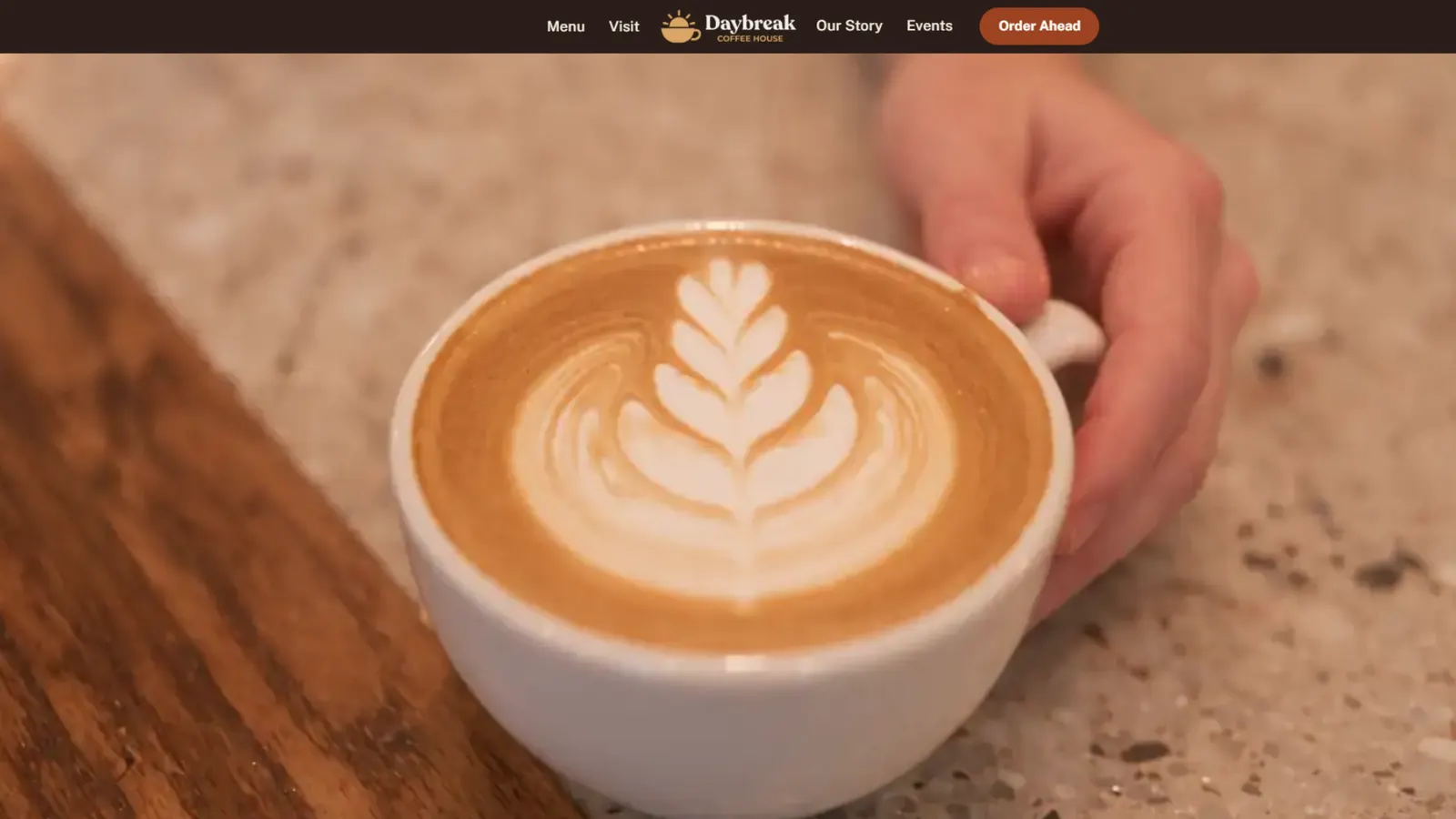
A home page that pulls you in
The page opens with a short film of a latte being made. It plays as you scroll, so the first thing a customer sees is the coffee.
A website for a neighborhood coffee shop. The menu, the hours and directions are one tap away on a phone, and the owner keeps it all up to date without calling anyone.
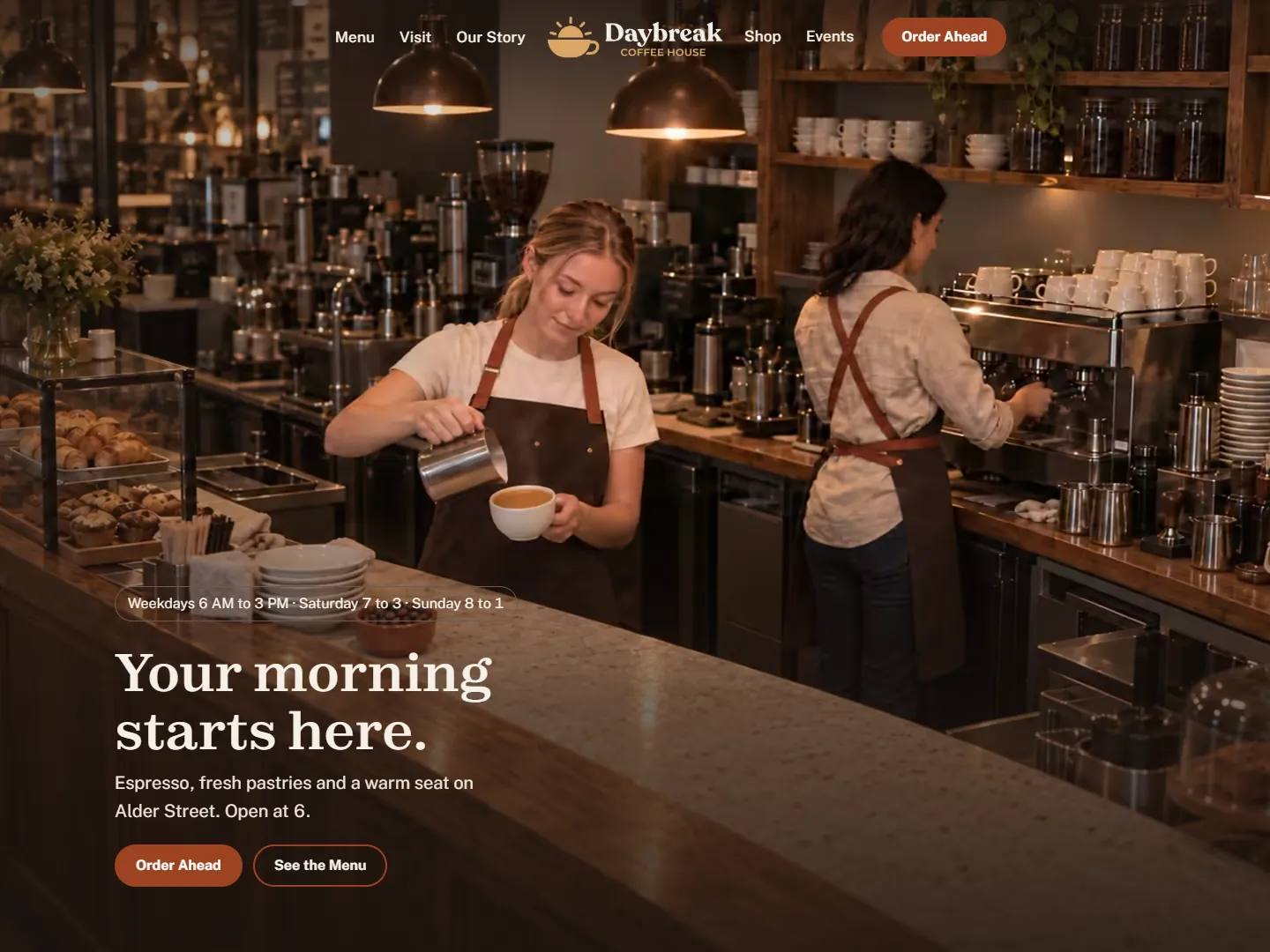
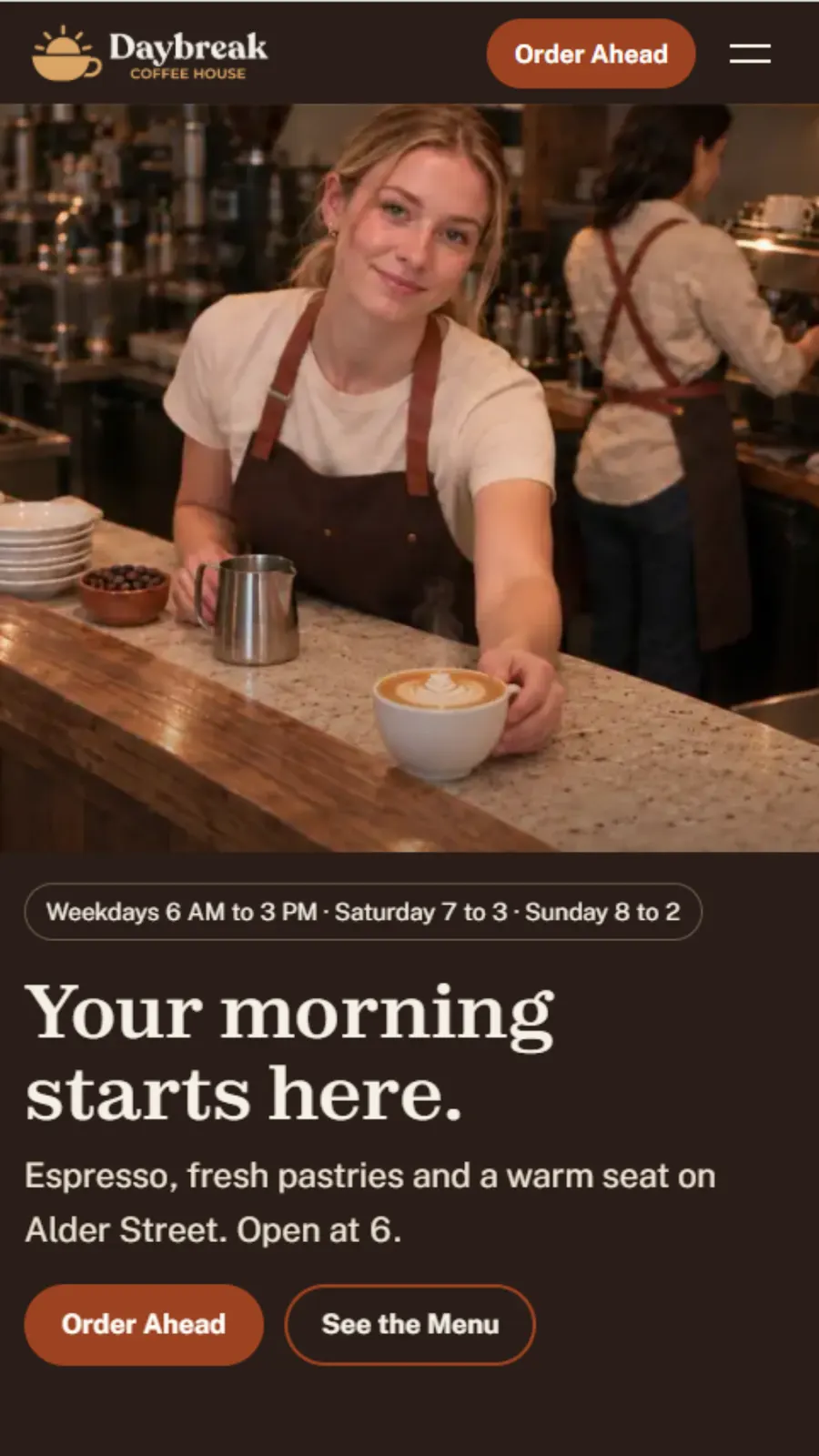
Most small shops get a website they can't change. A price changes, the site doesn't, and six months later the hours are wrong and nobody trusts it.
The owner can change the menu, the prices and the hours in seconds. Change the hours once and they update everywhere they appear on the site.
The page opens with a short film of a latte being made. It plays as you scroll, so the first thing a customer sees is the coffee.
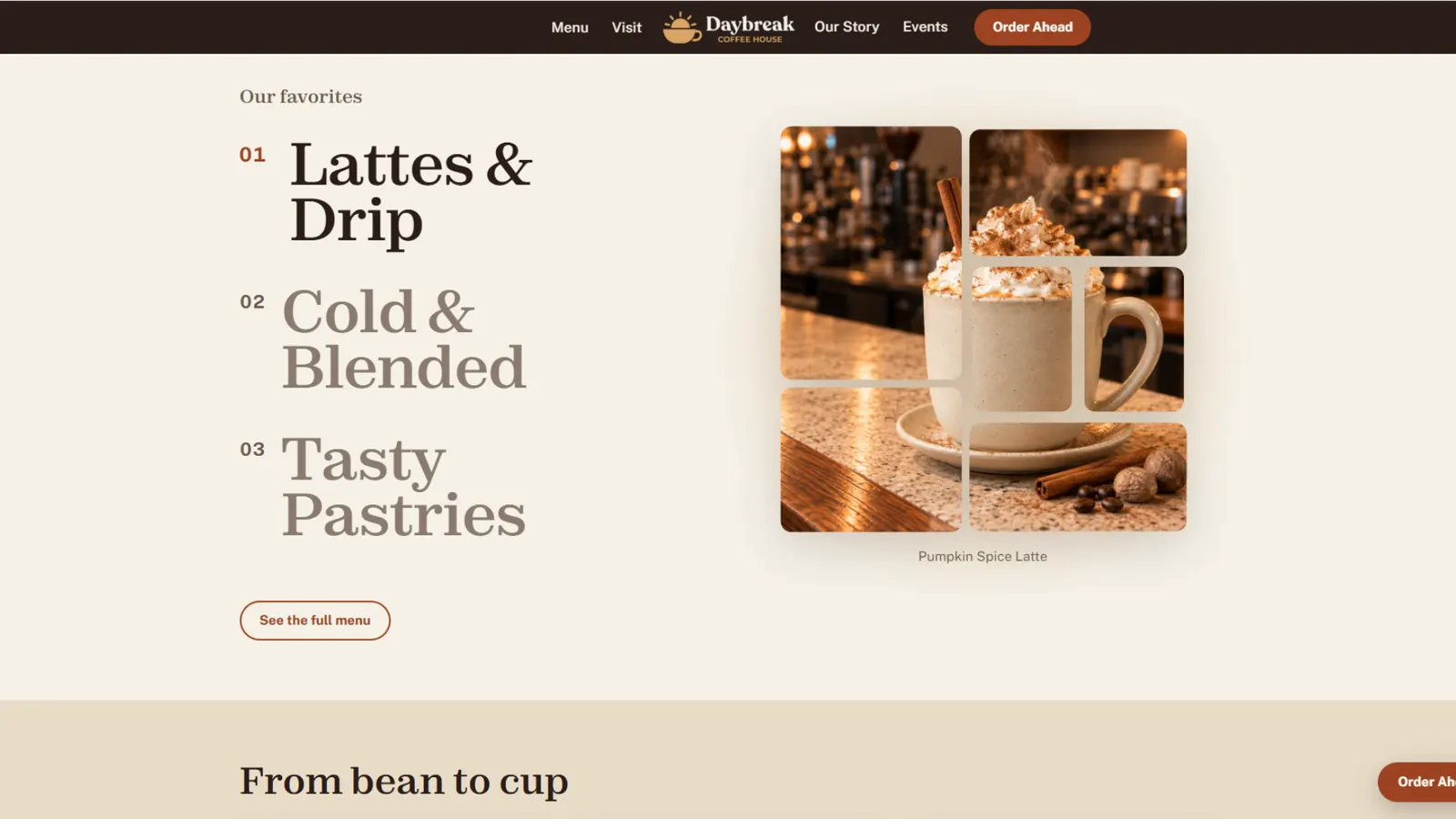
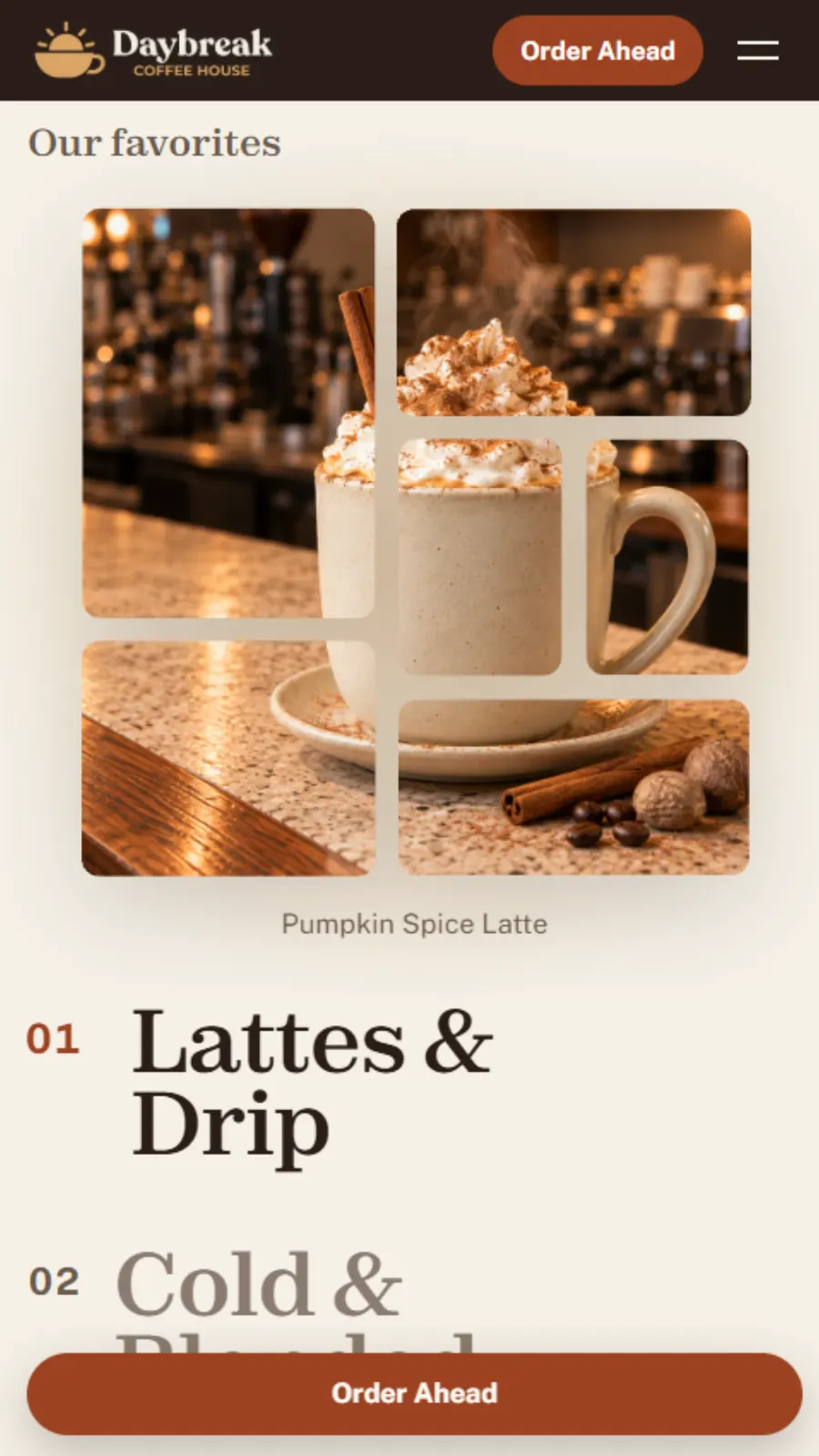
Lattes, cold drinks and pastries. The photo changes as you move across them, and every one leads to the menu.
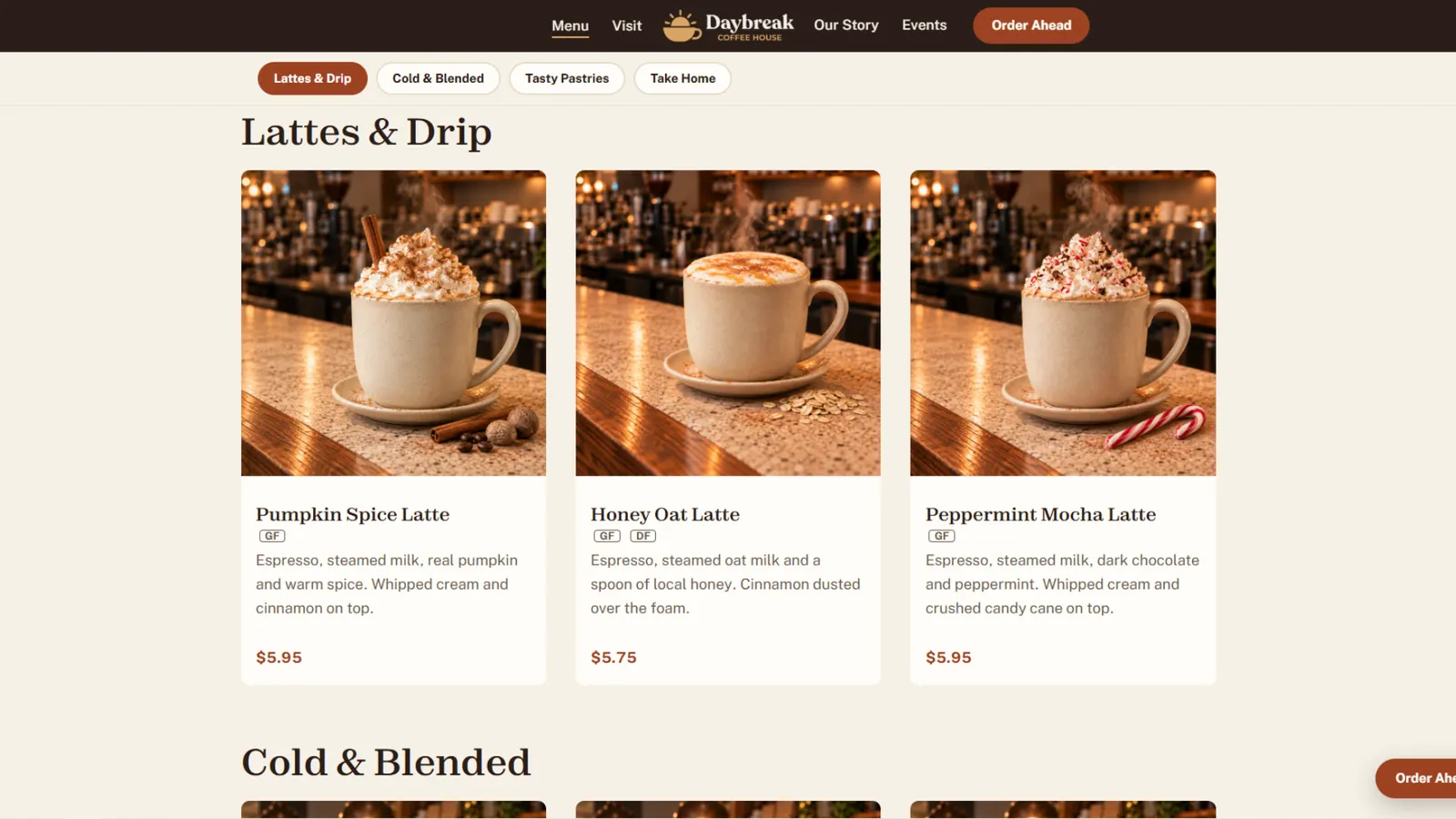
Nine cards, all the same size, each with a photo, a price and dietary tags. It reads just as easily on a phone, where most customers will see it.
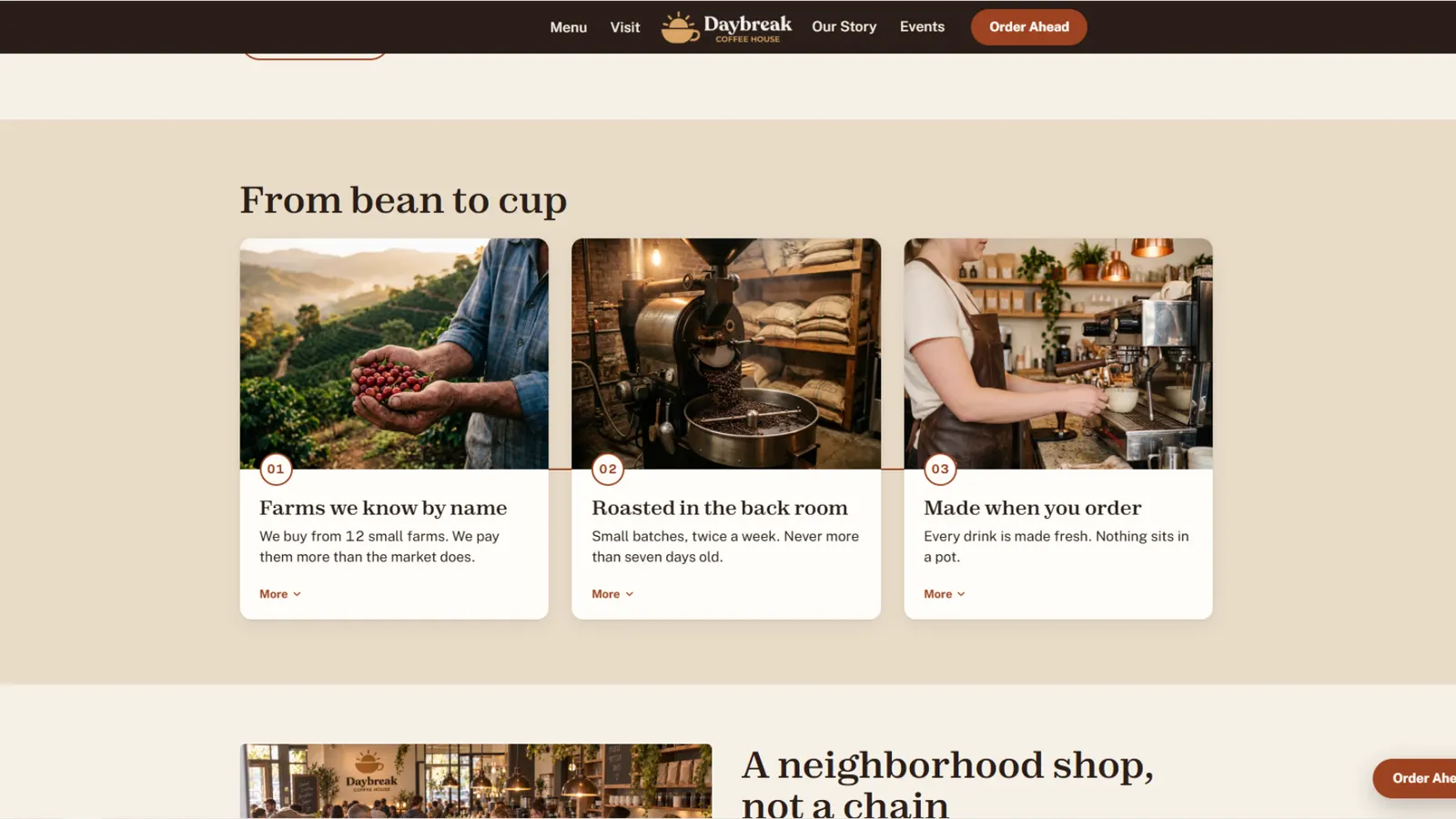
Farm, roaster, bar. Three short steps that open as you move across them, so the shop feels like a real place with real care in it.
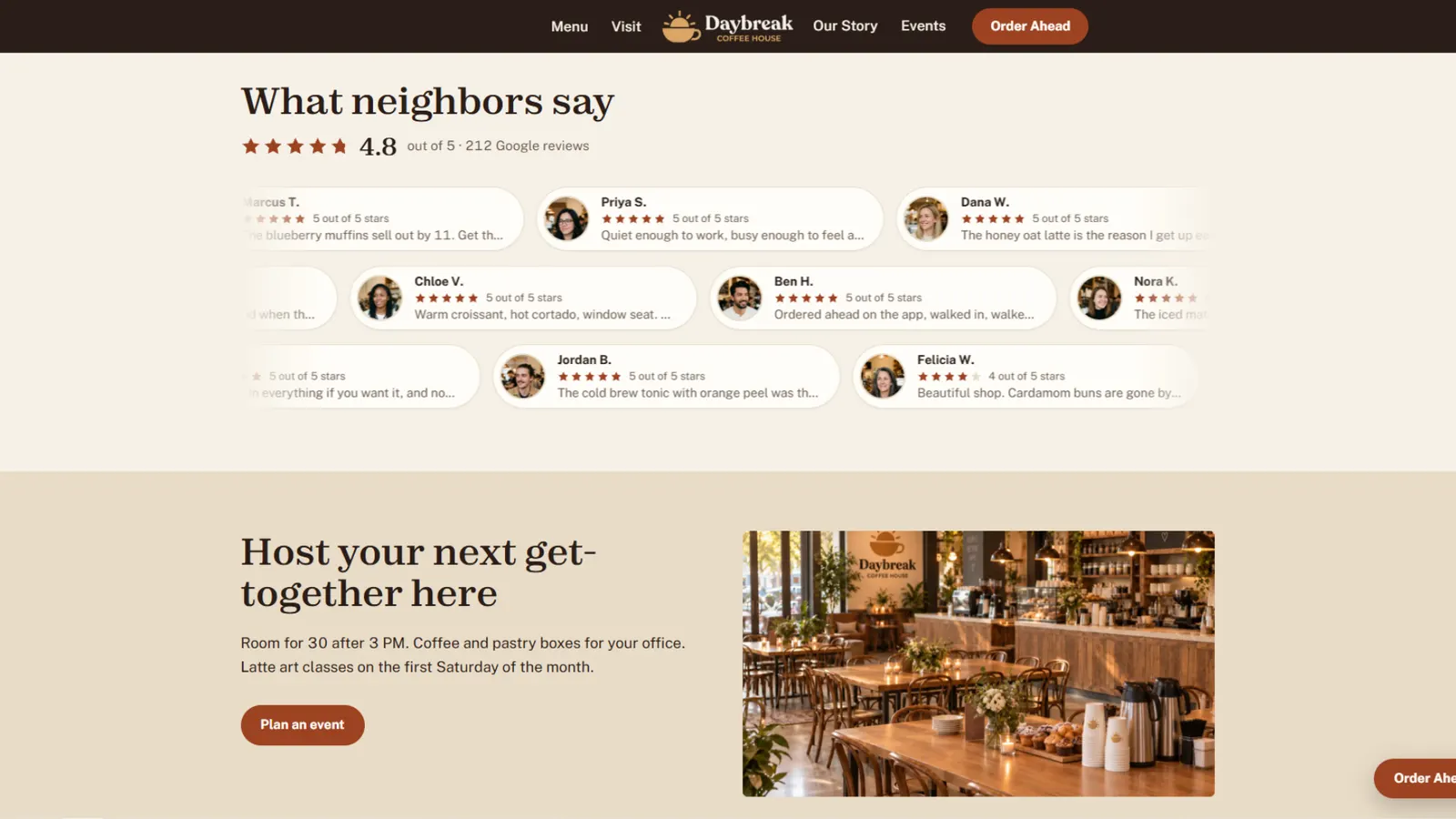
Short reviews drift past with a face and the stars beside each one. Tap any of them to read the whole review.
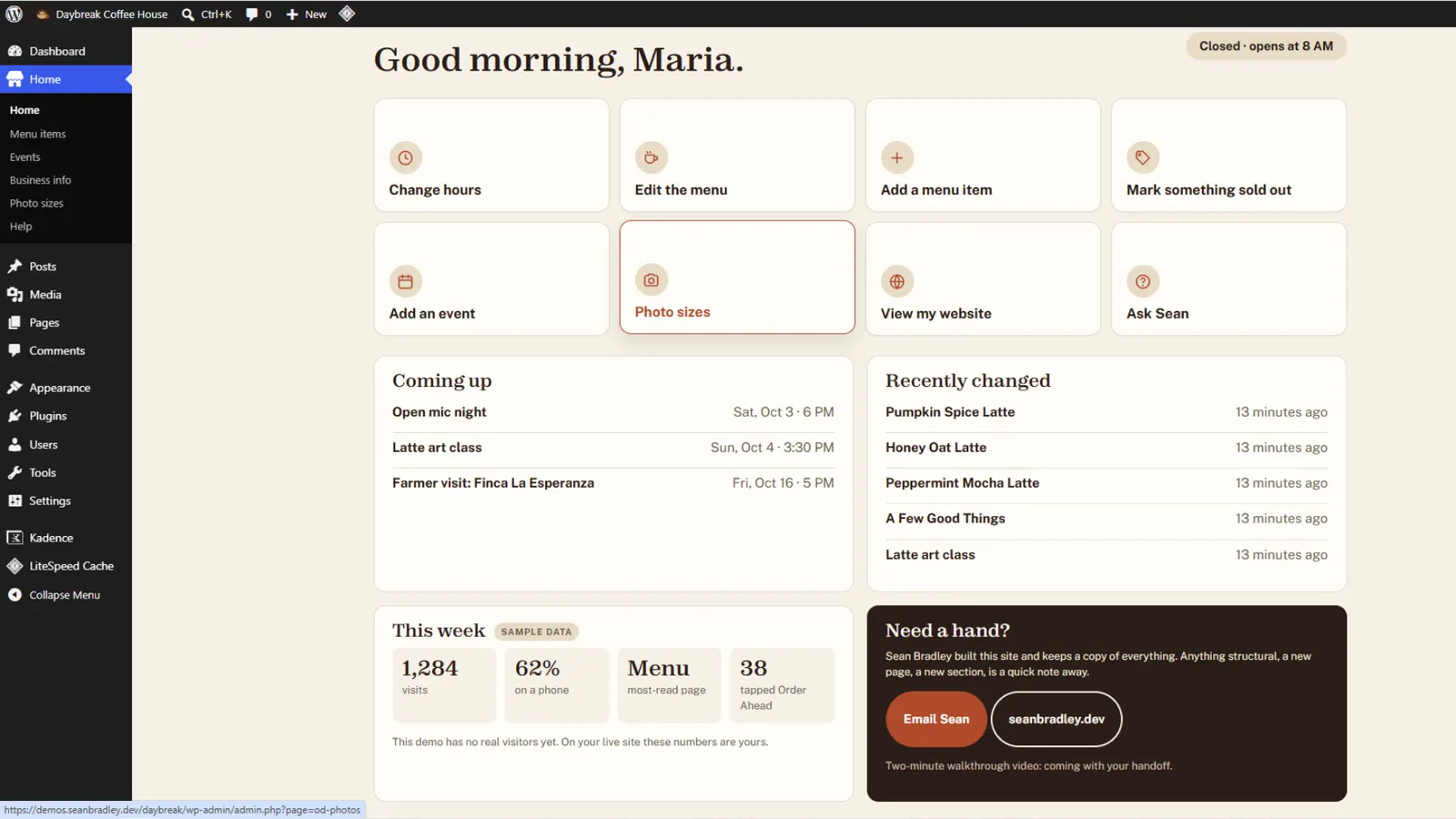
The owner signs in to a simple control panel. Change the hours, edit the menu, add an event or mark something sold out. No calling anyone, no waiting.
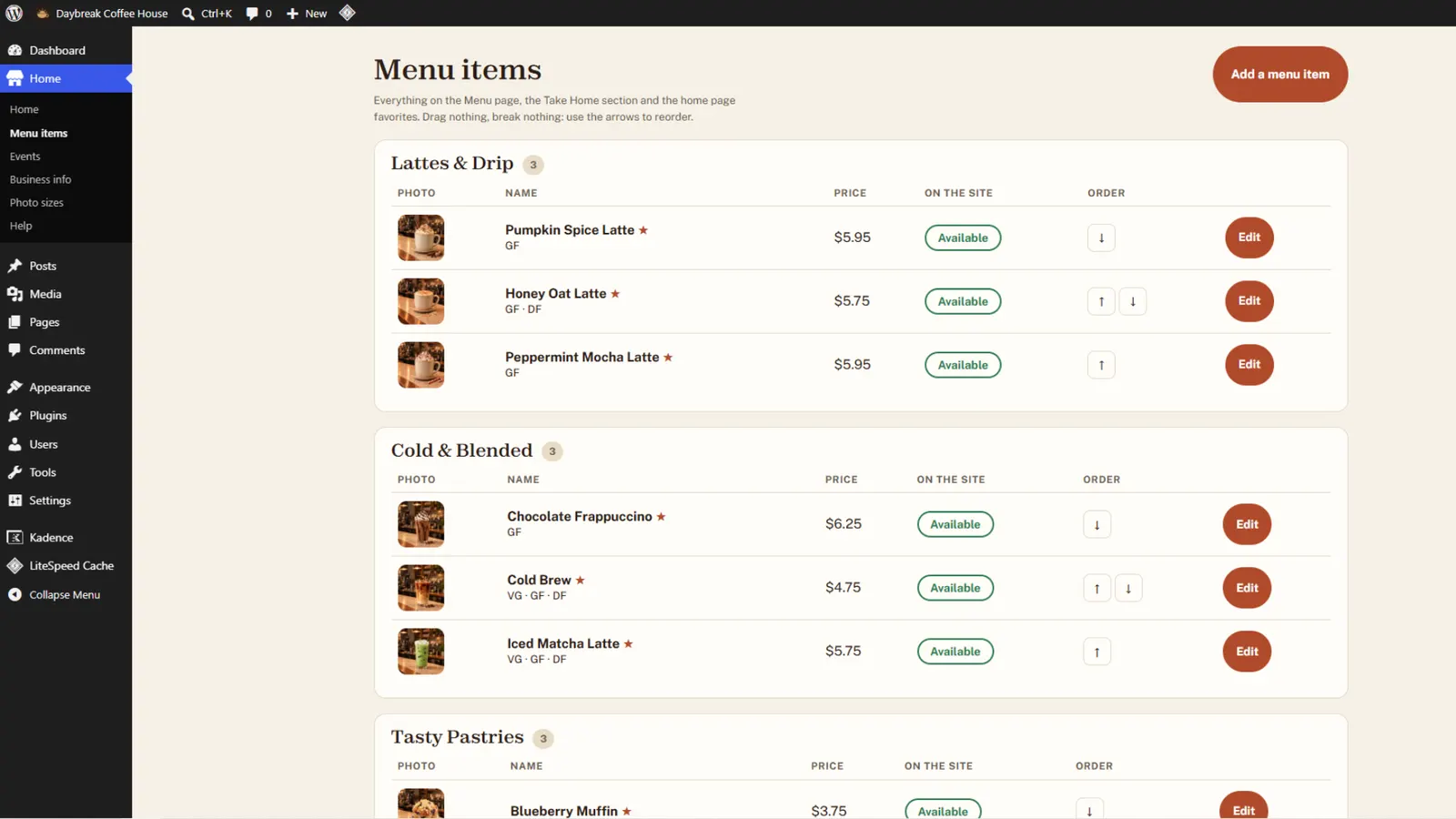
Every item on the menu sits in one list. Changing a price takes two taps. Marking something sold out takes one, and the site shows it right away.
Google's own speed test, run on the finished site.
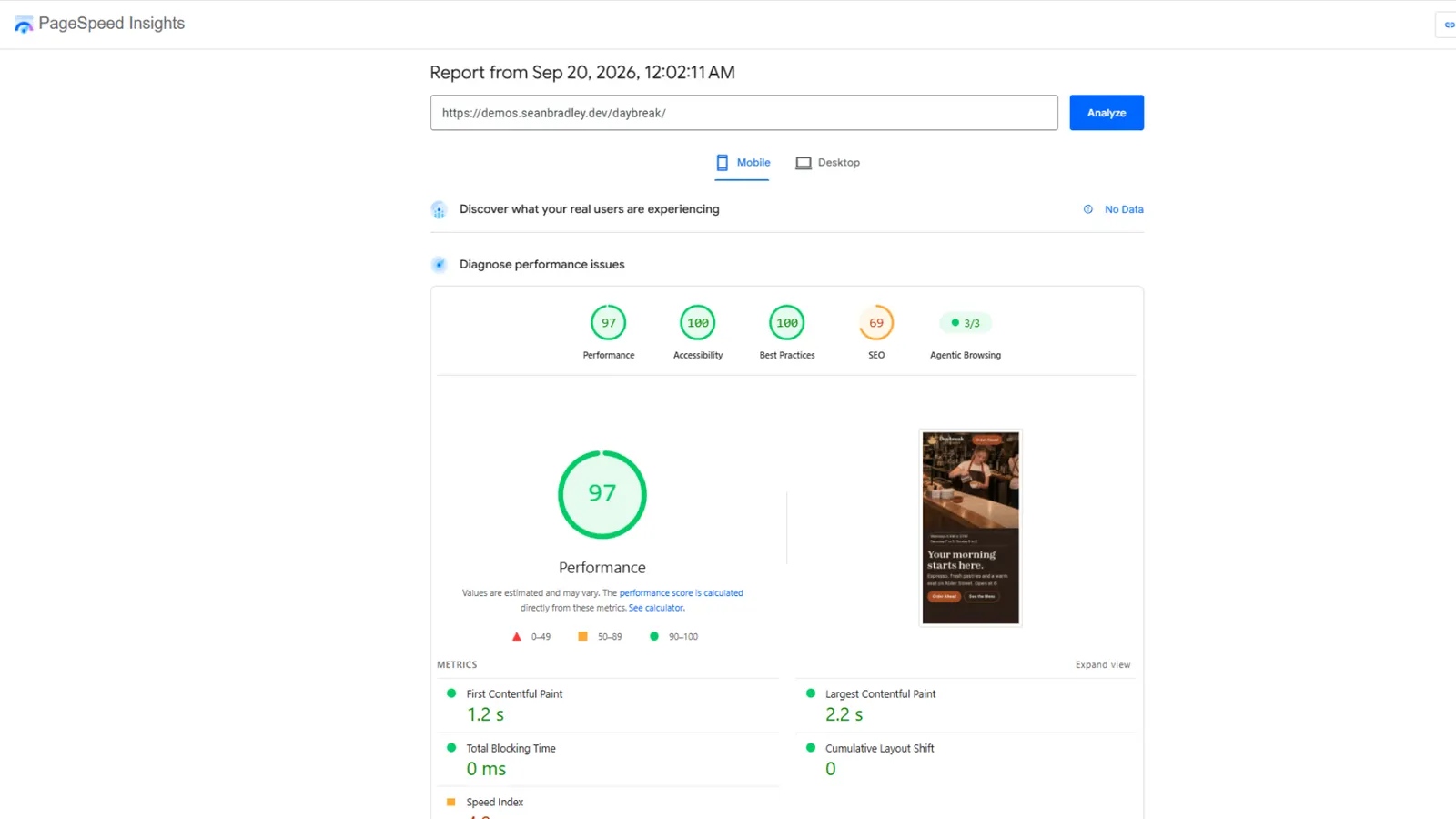
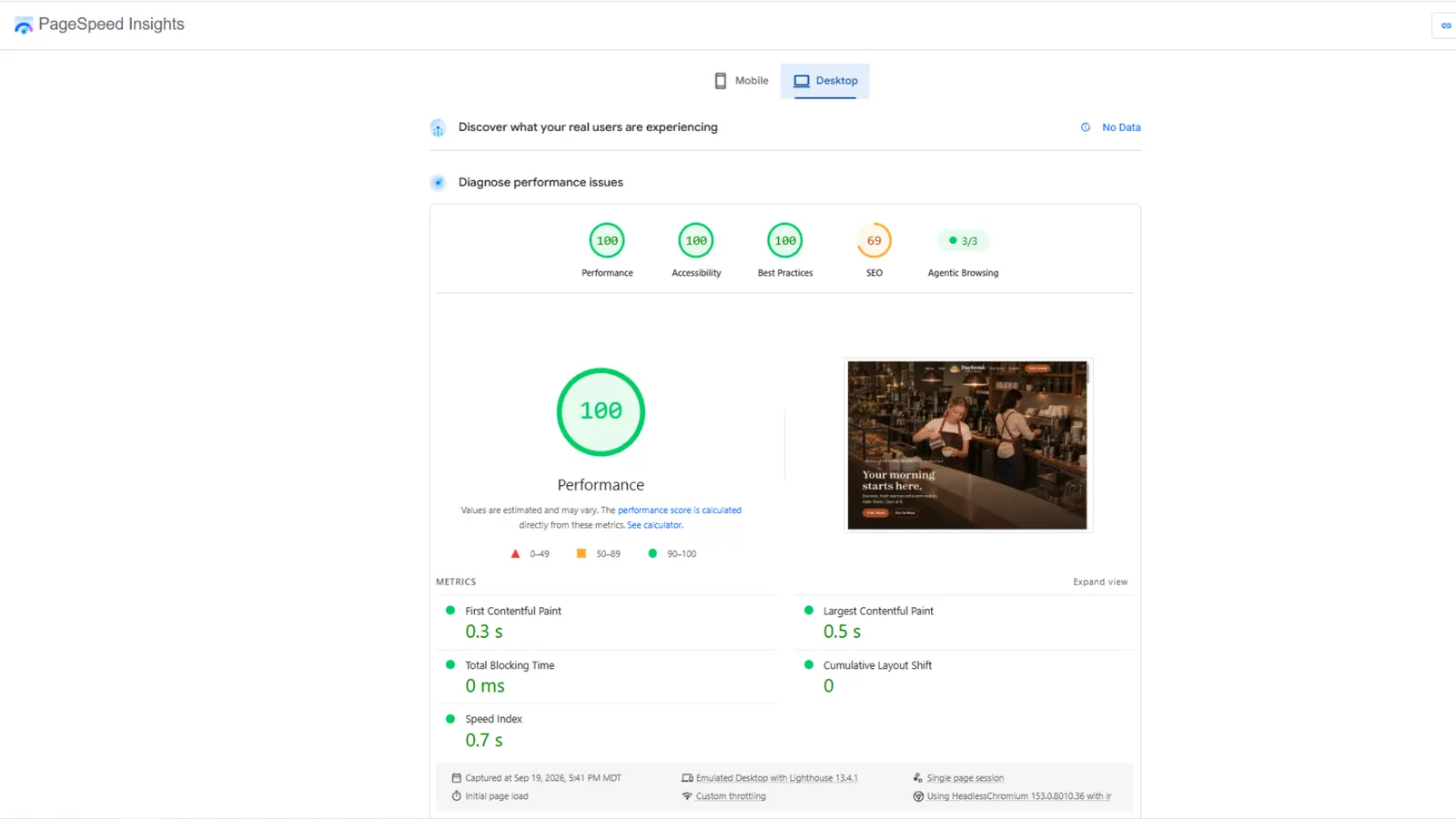
The search score in these reports is low on purpose: a sample shop is kept out of Google.
Daybreak is a sample. The shop, the people, the photos and the reviews are made up to show what we build.
The website is real, and so is the speed. Your site would use your own photos, your own menu or services, and your own reviews.
Tell us what you do. Sean calls you back with a plan and a price.
Or call or text (208) 278-6420, Monday to Friday, 8 to 5.